 Plinthio
One home for every movie, book and audiobook
Plinthio is a self-hosted media server for movies, shows, anime, audiobooks, books, manga and comics. It runs as one Docker container on your own computer or NAS, and everyone in the house gets an app for their phone, tablet or computer.
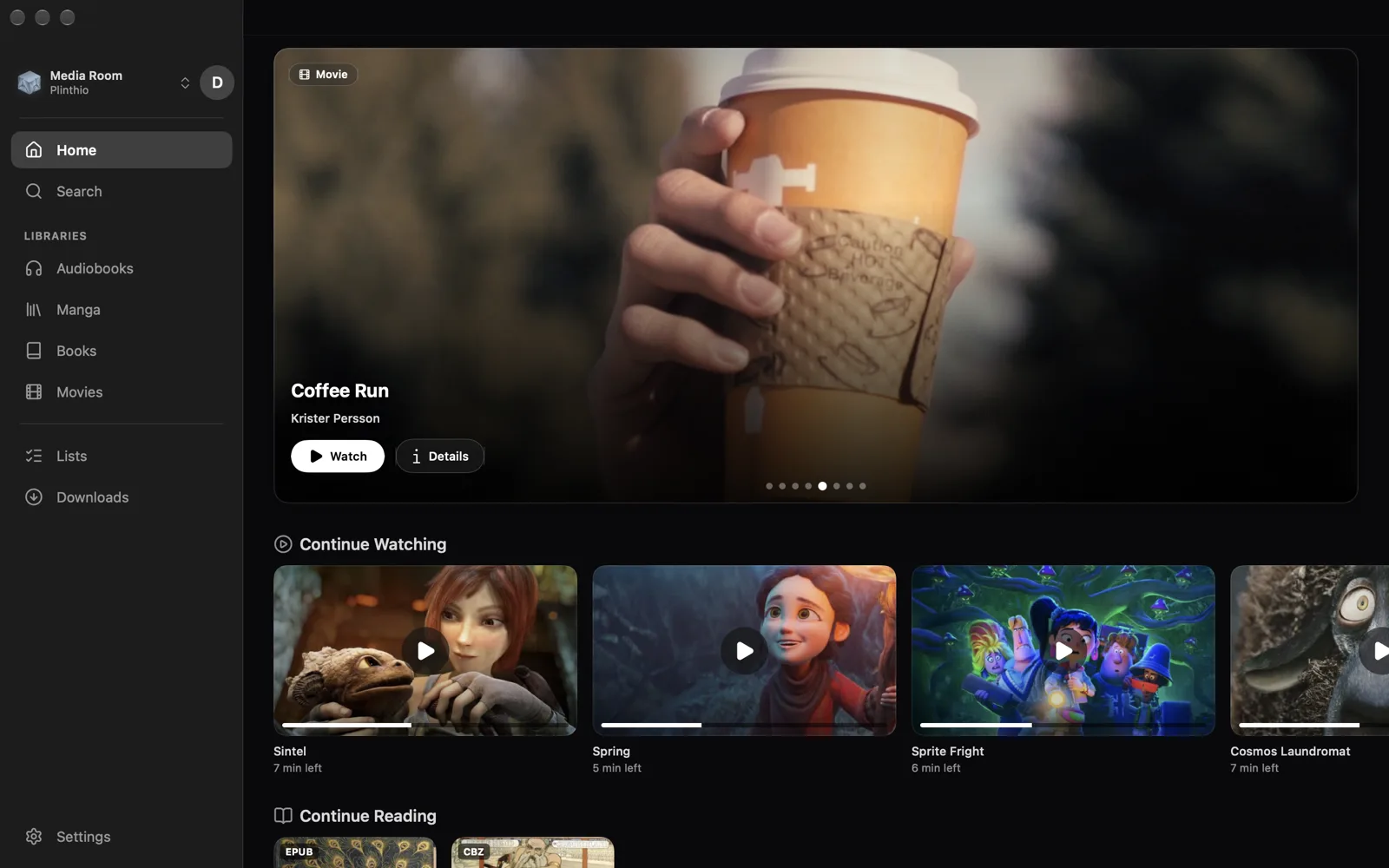
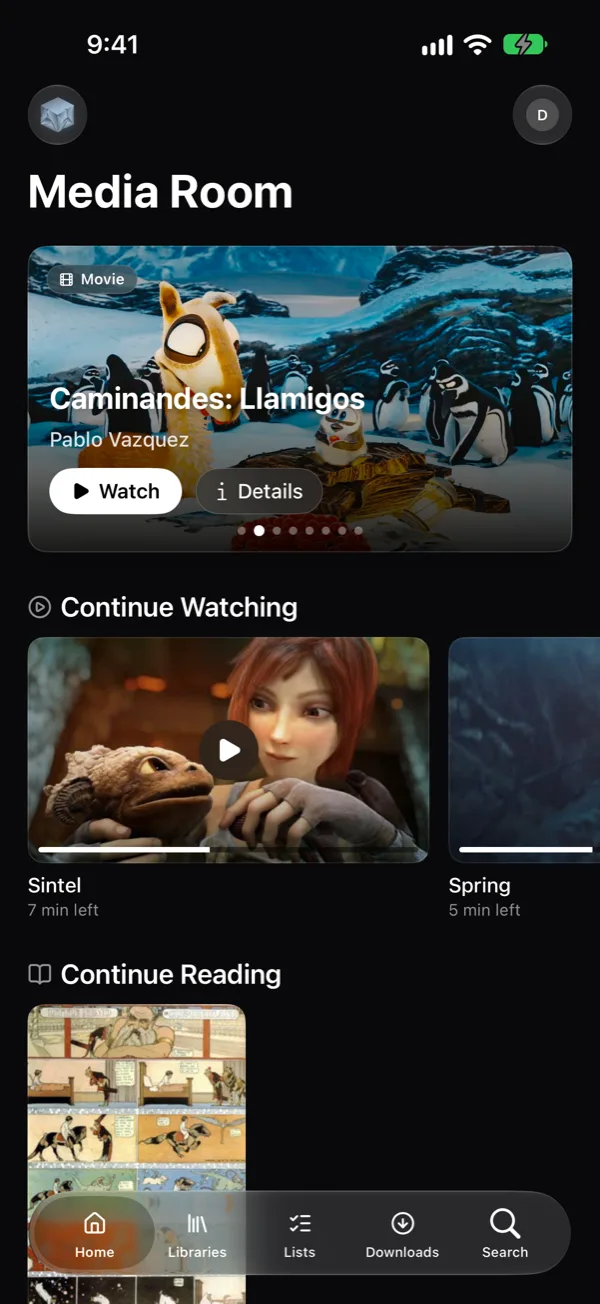
Free for personal use. Runs on x86-64 and ARM, from a Raspberry Pi to a NAS.
Watch, read and listen in one place
Most self-hosted setups need a different server for video, audiobooks, ebooks and comics. Plinthio keeps them together, with one set of accounts and one place to pick up where you left off.
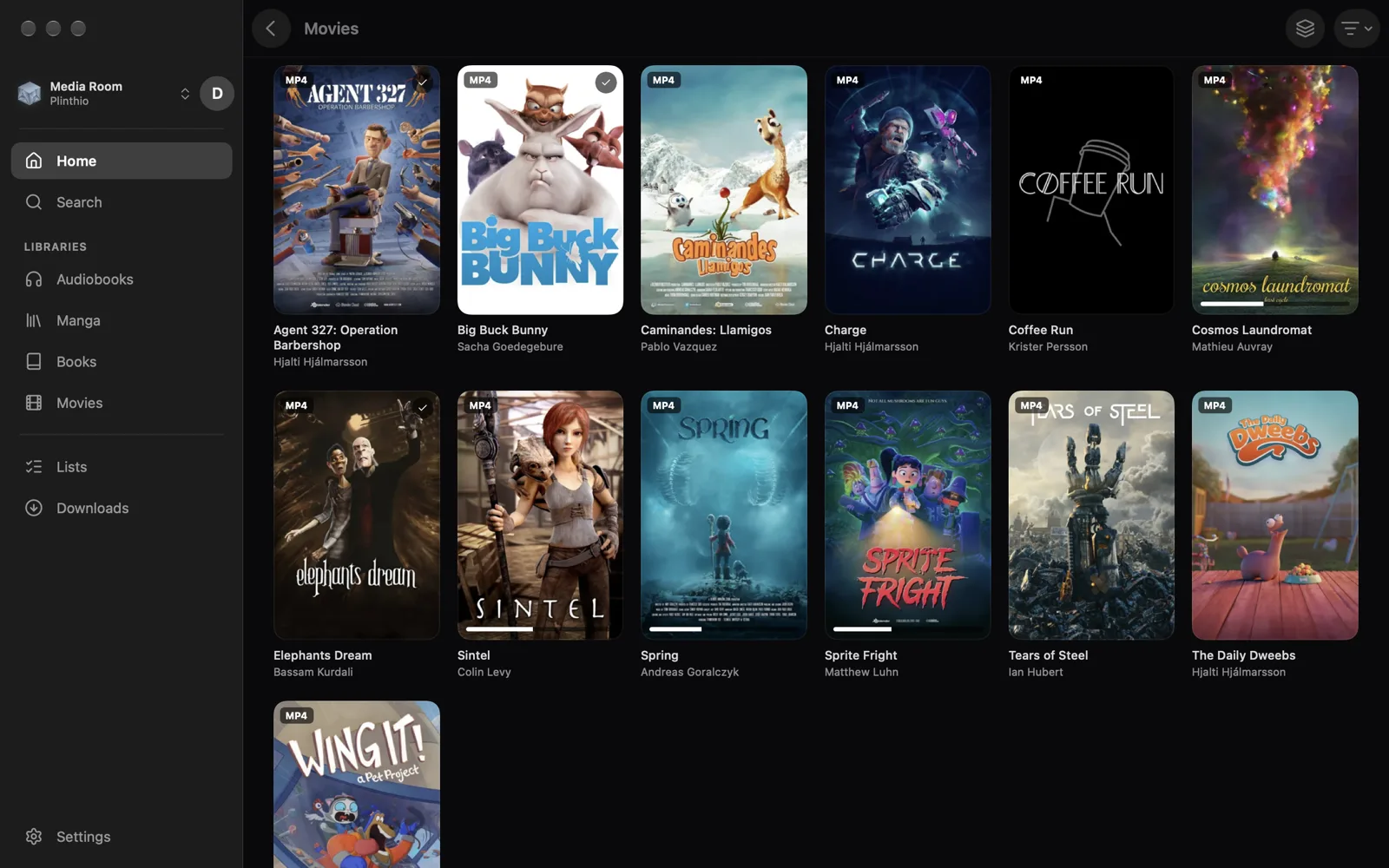
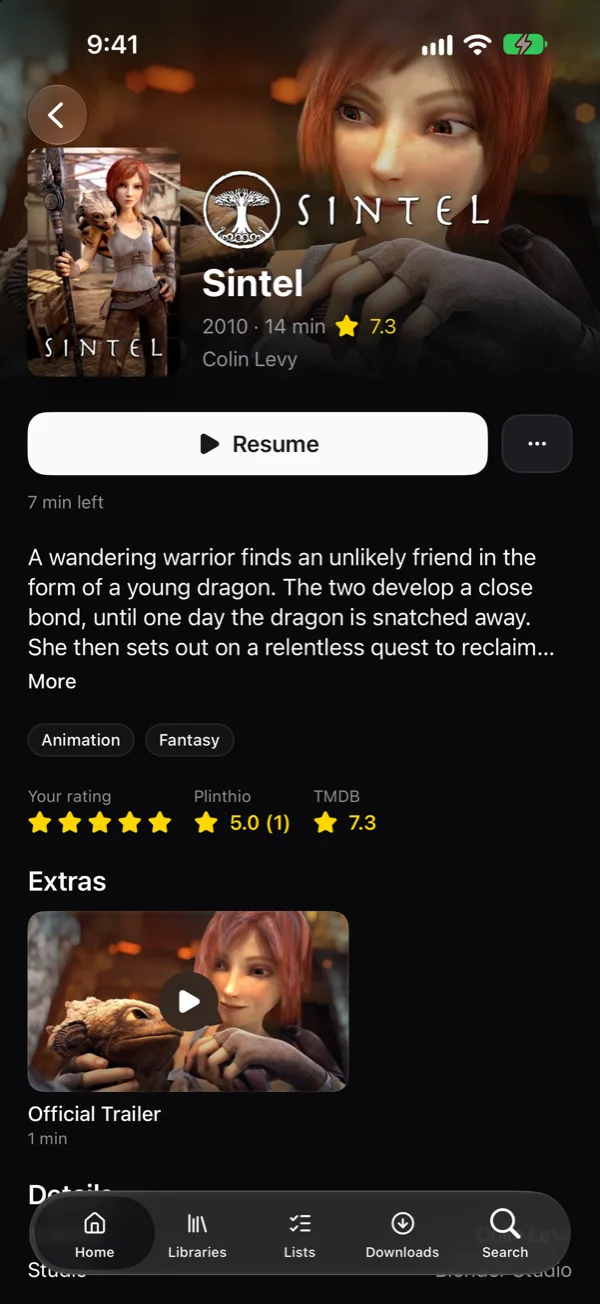
Movies, shows and anime
Plays directly whenever the device can, and converts on the server only when it has to, using Intel QuickSync or NVIDIA graphics if you have them.
- Subtitles, audio tracks and adaptive quality
- Skip intro and credits, up next, scrub previews
- Cast, crew, ratings, collections and extras
- Chromecast and AirPlay
Comics and manga
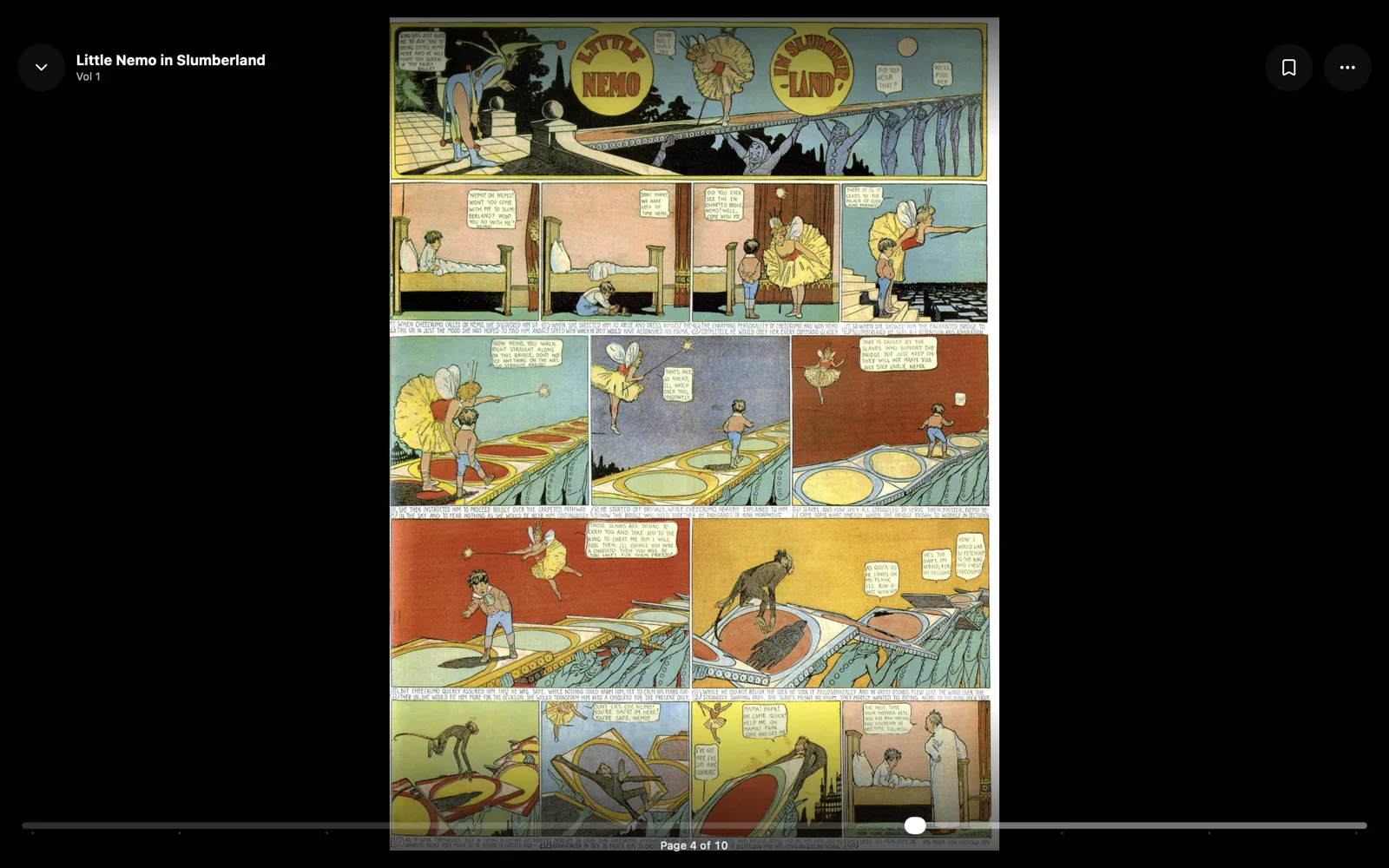
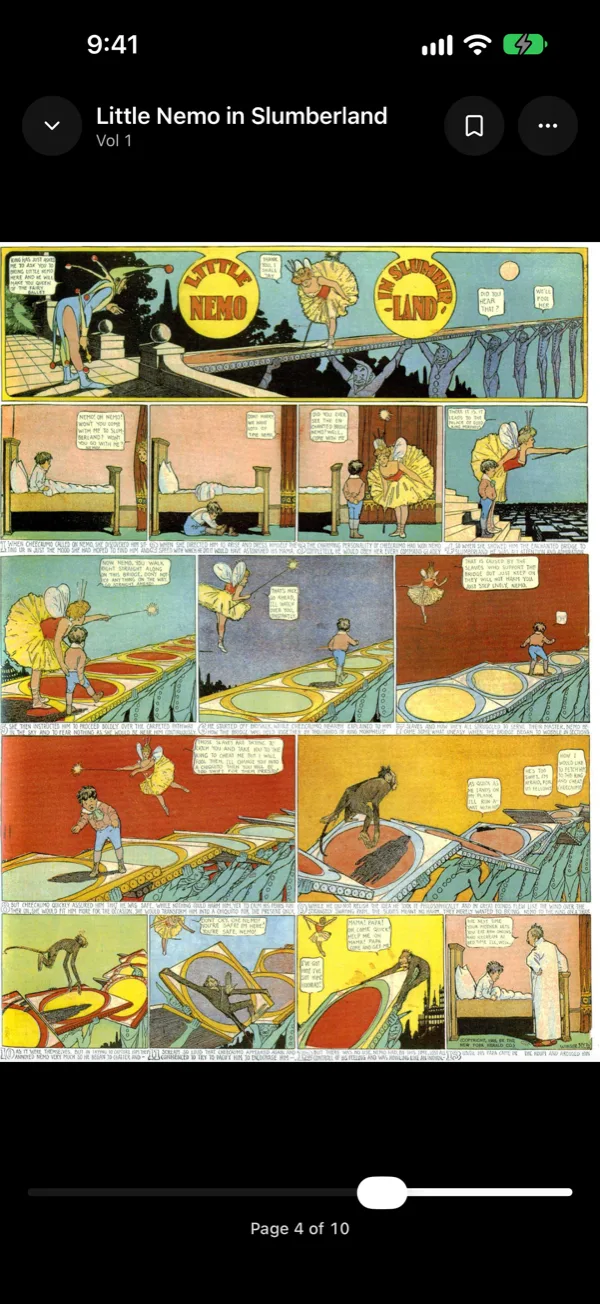
Pages stream straight out of your archives, with a reading direction you set once per series.
- Right-to-left, left-to-right and webtoon scrolling
- Single or double-page spreads, pinch to zoom
- CBZ, CBR, CB7 and PDF, with ComicInfo.xml read on scan
- Skip volumes you've already seen, or mark read up to here
Books
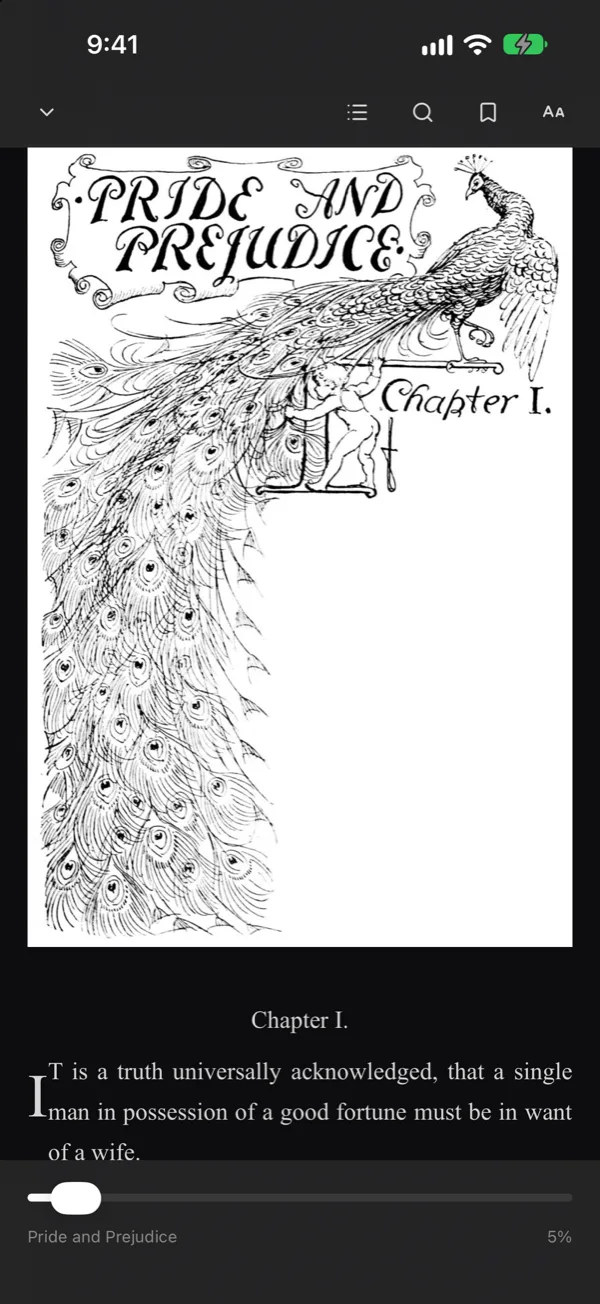
An EPUB reader that keeps your place across devices, and PDFs read page by page.
- Paged or scrolling, with your choice of font, size and theme
- Search inside the book, bookmarks, highlights and notes
- Covers and details from Google Books and Open Library
- Progress sync with KOReader and OPDS reading apps
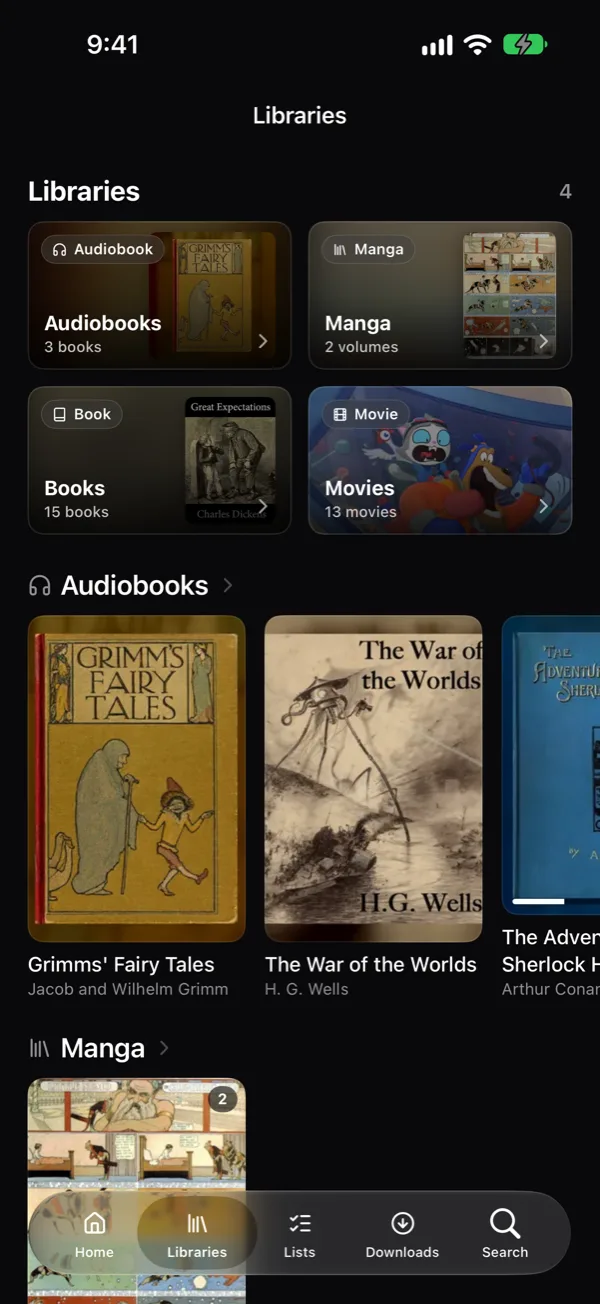
Audiobooks
A player built for long listens, that remembers where you stopped in every book.
- M4B, MP3, M4A, FLAC, AAC and OGG, with chapters
- A speed for each book, from 0.75× to 2.5×
- Sleep timer that can stop at the end of a chapter and fade out
- Lock-screen controls and downloads for offline listening
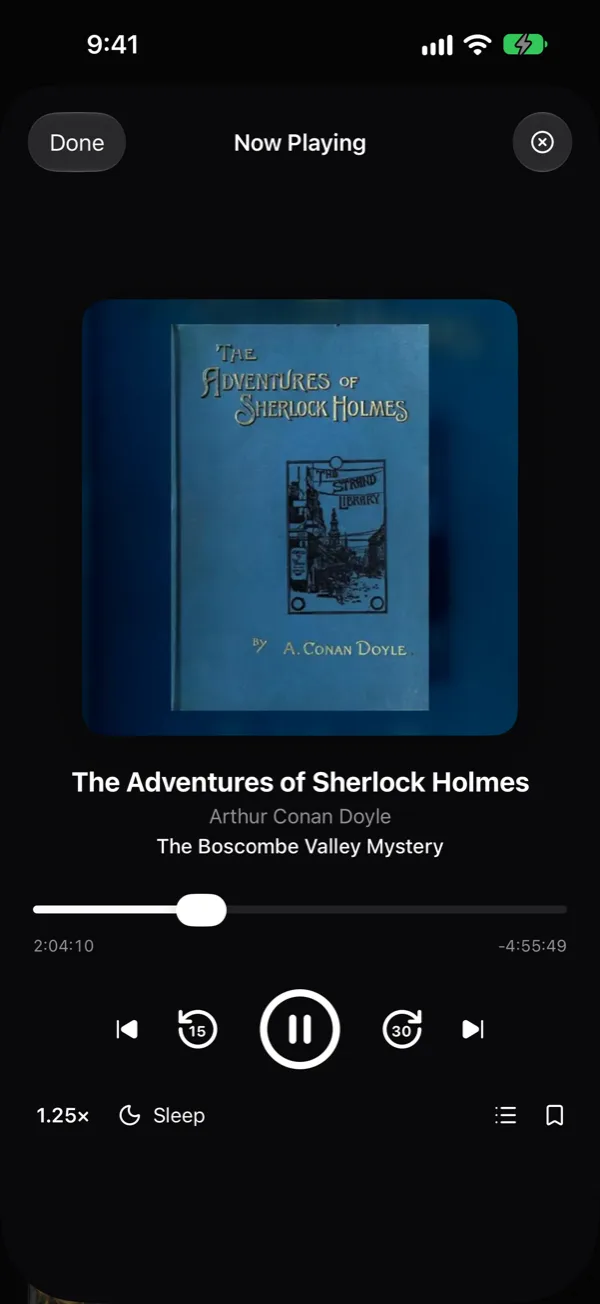
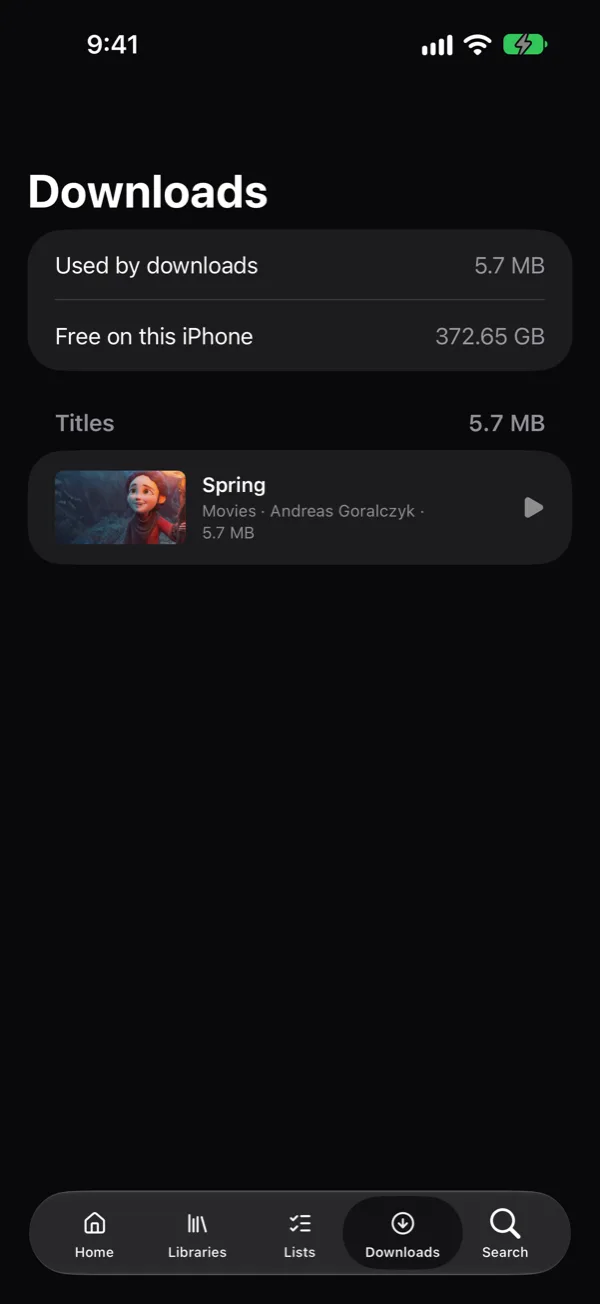
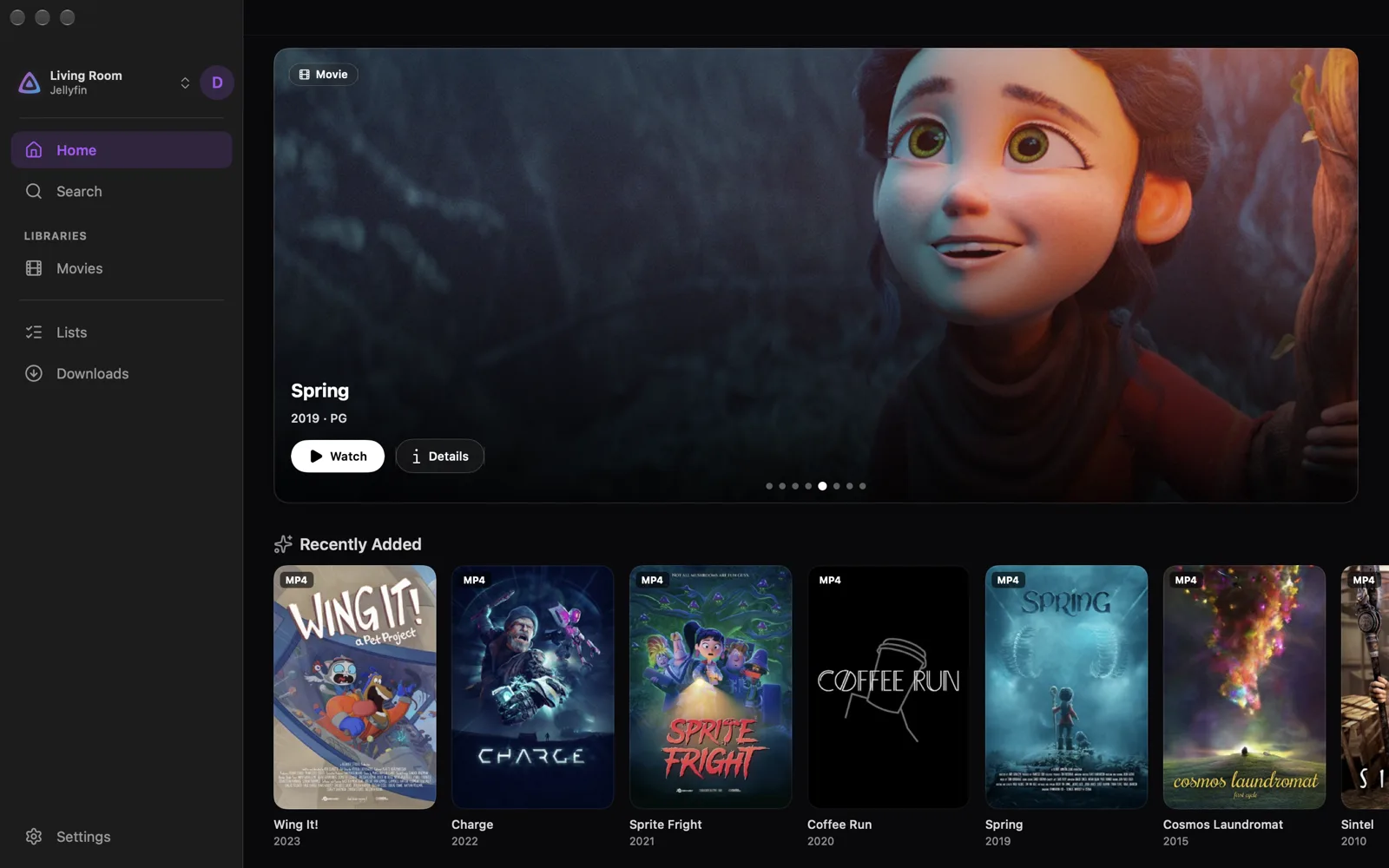
Shown in Plinthio for Mac and iPhone. The web app has the same libraries and readers.
Built for a whole household
Accounts, sharing and upkeep, handled by the server so nobody has to think about it.
Accounts and limits
Admin, editor and viewer roles, content limits, Kids Mode, guest accounts that expire and optional two-factor sign-in. Accounts and access
Watch together
Watch parties keep everyone in sync from different places, with chat. Shared lists, ratings, and a request queue for things you don't have yet.
Offline downloads
Save books, comics, PDFs and audiobooks to your device from the web app, and films and shows in the Apple app.
Covers and details
Metadata from TMDB, MangaDex, Google Books and Open Library, with a TMDB key built in so film and show details work straight away.
Away from home, if you want
Home-only by default. Add a private Tailscale address, or a public web address with automatic HTTPS for guests. Away from home
Simple to run
One container and a SQLite database. Plinthio backs up its database before every upgrade, so any update can be undone. Updating
Your library, wherever you are
Plinthio runs in any browser and installs like an app on phones, tablets and computers. A native app for Apple devices is on its way to the App Store.
Available now
- Apple iPhoneiPadMacPWA
- Android Mobile (no native app yet)Tablet (no native app yet)PWA
- Windows Desktop (no native app yet)PWA
- Linux Desktop (no native app yet)PWA
- Reading apps MihonKOReaderOPDS
No native app yet. Every device can use the PWA: open your server in a browser and add it to your home screen or dock.
Open for the community
- Apple TV No client yet
- Android TV No client yet
- Fire TV No client yet
- Roku No client yet
- Kodi No client yet
There are no Plinthio apps for TVs or Kodi yet. Everything the web app does goes through a documented API, so a community-built client can do it too. Until then, cast from the web app to a TV with Chromecast or AirPlay.
Already running Jellyfin? Keep it.
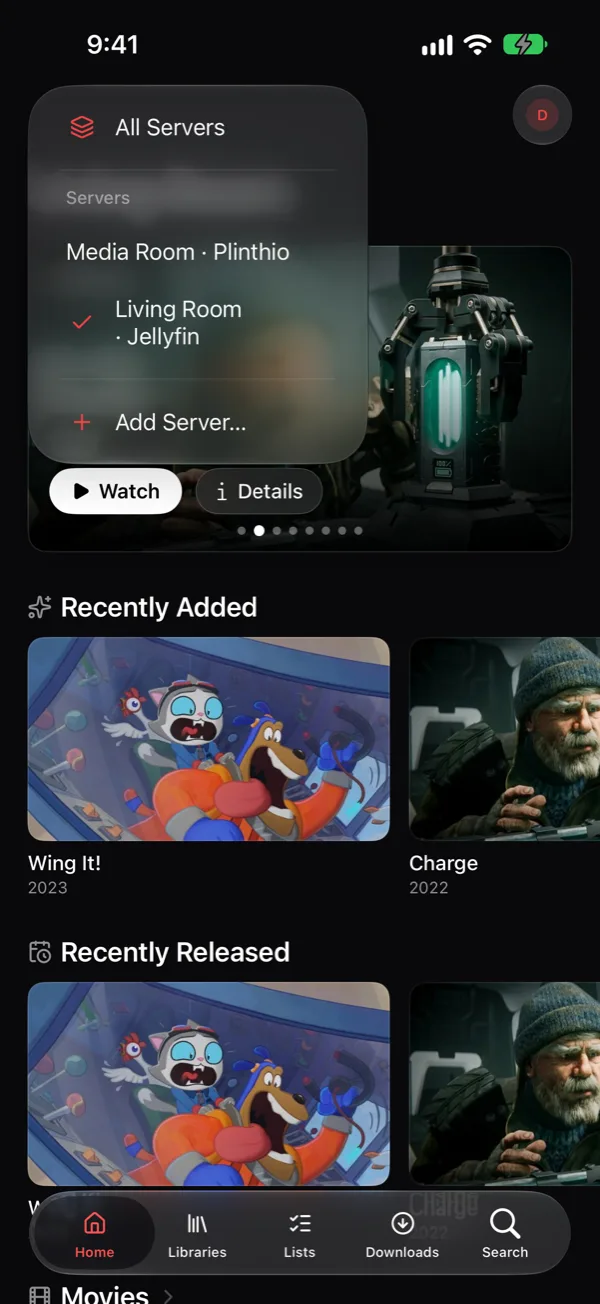
The Apple app signs in to Plinthio and Jellyfin servers side by side, and All Servers merges them into one home screen. Your films can stay where they are while your books and audiobooks move in.
Your files stay yours
Plinthio runs on hardware you own, for the people you invite. Privacy and data
- It never changes your mediaPlinthio only reads your folders. Its database, covers and caches live in a separate config folder.
- No account with usYou create the admin account on your own server. There's nothing to sign up for.
- No telemetryThe only outside calls are the metadata lookups you ask for and an anonymous update check twice a day, which you can turn off.
- The code is publicPlinthio is source-available on GitHub, so you can read exactly what it does with your data.
Running in a few minutes
All you need is a computer that runs Docker: a NAS, a mini PC, a Raspberry Pi 4 or 5, or a Mac with Apple silicon. You don't need to download the source code.
-
Install Docker
Docker Engine on Linux, or Docker Desktop on macOS and Windows. Synology, Unraid and TrueNAS have it in their app centres.
-
Start Plinthio
Run the install commands, with
MEDIA_DIRpointing at the folder that holds your media. -
Open it in a browser
Go to
http://your-server:8088. The setup wizard creates your admin account and adds your media folders. -
Install the app
On a phone or tablet, use Add to Home Screen. Then invite the rest of the house.
mkdir plinthio && cd plinthio
curl -fsSLO https://raw.githubusercontent.com/OddOmens/Plinthio/main/docker/docker-compose.yml
MEDIA_DIR=/path/to/your/media docker compose up -d
docker run -d --name plinthio --restart unless-stopped \
-p 8088:8080 \
-e TZ=Europe/London \
-v "$PWD/config:/config" \
-v /path/to/your/media:/media \
ghcr.io/oddomens/plinthio:latestdocker compose pull && docker compose up -d“As a big fan of Jellyfin, I struggled to find something that worked as well for audiobooks, books and manga. So I built Plinthio, to bring all of that media together in one place. It's a passion project, one I wanted to exist, and I'm sharing it in case others want to explore it too.”
Questions
Is Plinthio free?
Yes, for any noncommercial use. It's source-available under the PolyForm Noncommercial License: you can run it, fork it and change it for yourself and the people you share it with. Selling it or running it as a paid service needs a separate license from Odd Omens.
What hardware do I need?
Anything that runs Docker on x86-64 or ARM64. Reading and listening need very little. For video that has to be converted, a recent Intel processor with QuickSync or an NVIDIA graphics card makes a big difference. You can also run it without Docker, using Node.js 22 or later with ffmpeg and poppler.
Will Plinthio move, rename or edit my files?
No. It only reads your media folders. If a file goes missing, its progress is kept until an admin removes it, so moving things around doesn't lose your place.
Does it replace Jellyfin?
It can, but it doesn't have to. Plinthio covers movies and shows as well as books, comics and audiobooks. If you're happy with Jellyfin for video, keep it: the Apple app connects to both.
Can I use it away from home?
Yes, when you choose to. New servers are home-only. Two optional add-ons give you a private Tailscale address or a public web address with HTTPS, and you choose per person who can connect from outside. Set up remote access.
When is the Apple app coming out?
It's on its way to the App Store. Until then, the web app works on iPhone, iPad and Mac: open your server in Safari and add it to your Home Screen or Dock.
Is there an app for Android or Windows?
Not a native one. On Android, Windows and Linux, open your server in the browser and install it as a web app: it gets its own icon and window, and keeps books and audiobooks for offline use. A community-built app would be welcome, since everything goes through the documented API.
Where do I get help?
Start with the troubleshooting guide. Every error shows a code (like P101) that the docs explain. You can also open an issue on GitHub or email support@oddomens.com.
Give your library a home
Set it up once and everyone in the house can use it.